
Share and install community looks
Marketplace
The community marketplace lets you install LUTs and presets made by other creators, and publish your own. It is free and built right into the editor, with ratings, comments and moderation to keep it healthy.
Browse and install
Left panel › Marketplace
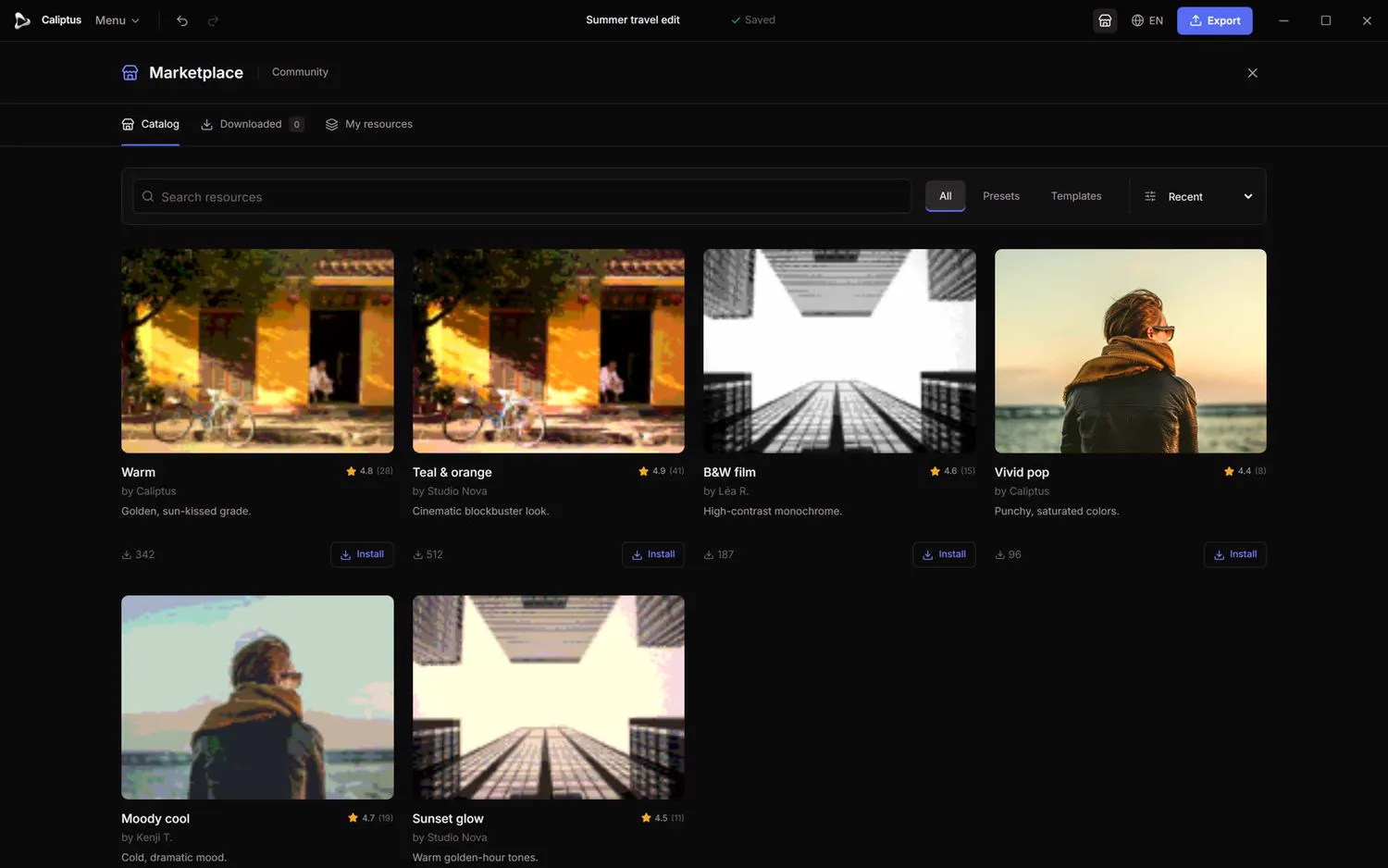
Find community LUTs and presets and add them to your editor in one click.
- Open the Marketplace tab, or the full catalogue overlay.
- Search and sort by Recent, Popular or Top rated, and filter by Presets or Templates.
- Open a resource and click Install; it appears in your installed resources.
Apply installed resources
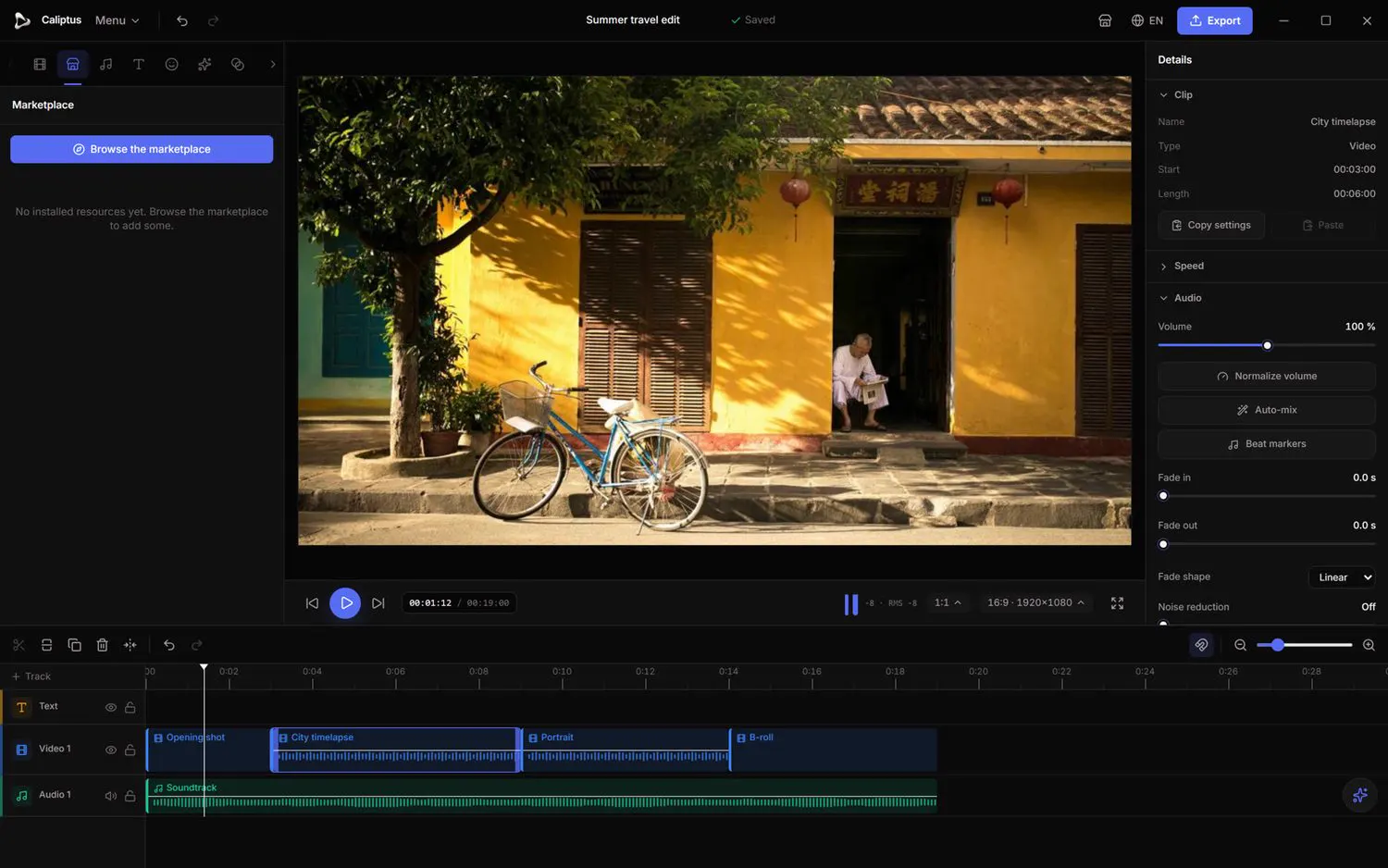
Left panel › Marketplace › Downloaded
Use what you have installed on any clip.
- Select a video clip.
- Open Downloaded (or, for LUTs, Adjust › Community) and click a resource to apply it.
- Remove it from the clip anytime, or uninstall it entirely.
Publish your own
Left panel › Marketplace › My resources
Share a look you have crafted with the whole community.
- From My resources, choose Publish as LUT or Publish as preset.
- Add a title and a short description, then Publish.
- Manage or delete your publications from the same place; a storage meter shows your usage.
Publishing is available to verified accounts.
Rate, comment and report
Marketplace › resource page
Help others choose, and keep the catalogue clean.
- Leave a rating and a comment on a resource you have tried.
- Use Report to flag anything inappropriate, copyright-infringing, broken or spammy.
- Reports are reviewed and moderated by the team.