
- Select a video clip or image and open the Adjust tab.
- Import a LUT (.cube), or pick from the built-in LUTs (with Log to Rec.709 conversions included).
- Fine-tune the result with basic corrections (exposure, contrast, saturation) or color wheels if needed.
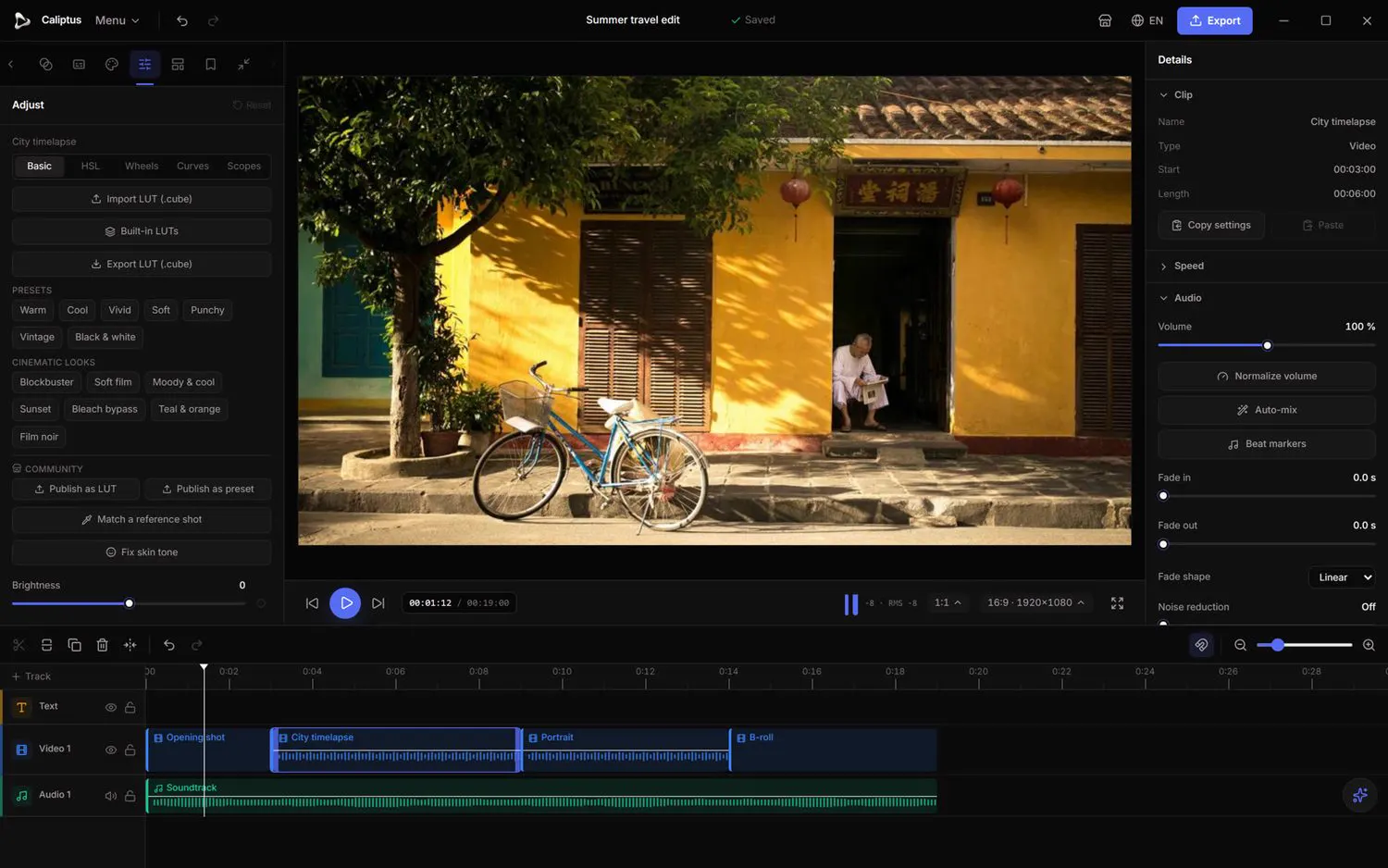
You can also export your own grade as a LUT (.cube) to reuse it on other projects or share it.