How to do it
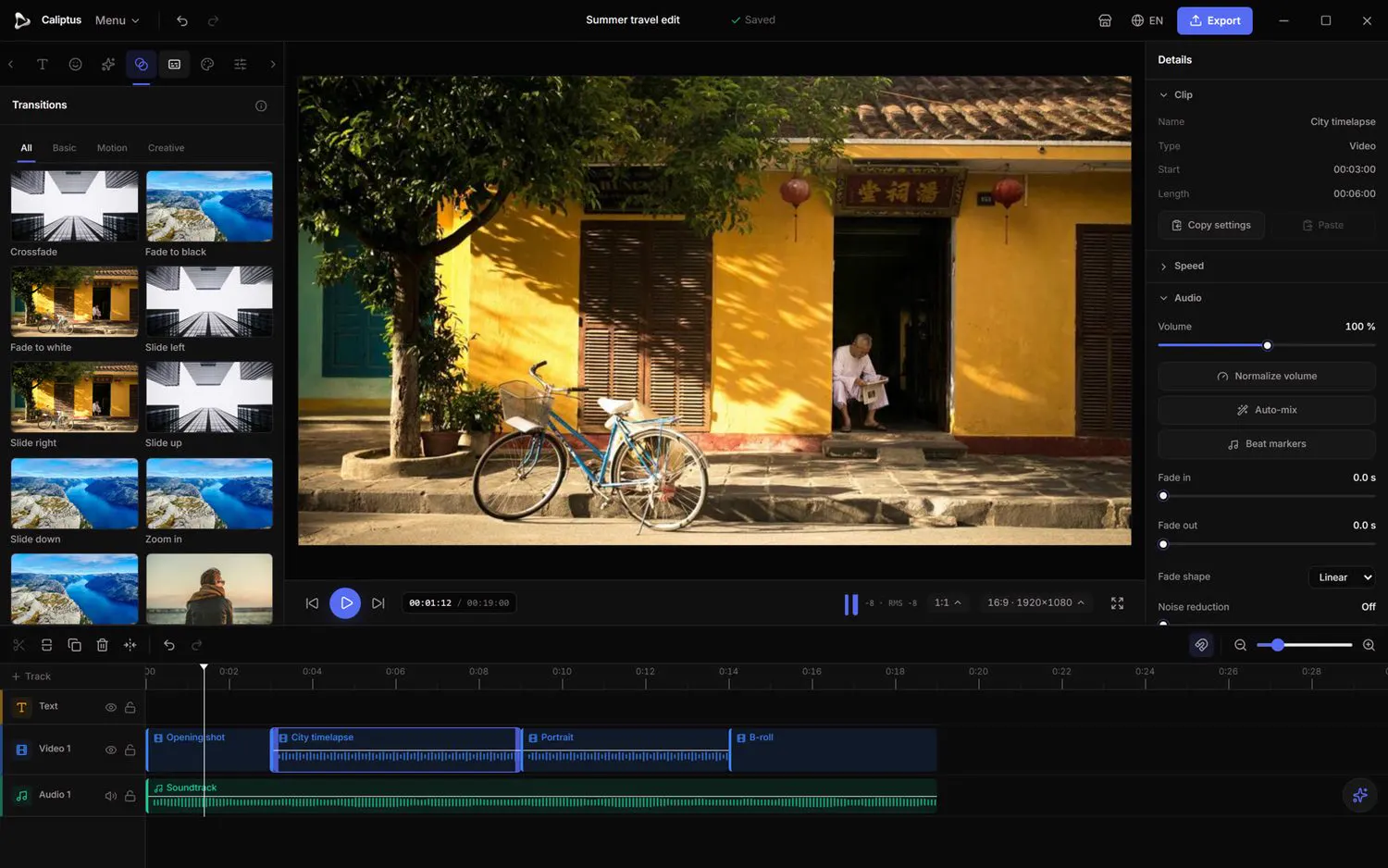
- Open the Transitions tab and browse the Basic, Motion and Creative groups.
- Drag a transition onto the cut between two clips on the timeline.
- Each transition shows a preview that matches the final render, with no surprises on export.
 Caliptus
Chain your clips together smoothly with fades, slides, zooms or wipes.