TextUse editing templates
Drop your videos into a ready-made layout, with titles already in place.
How to do it
- Open the Templates tab and click a template to add it: it places video placeholders and titles.
- Drag your videos from the media library onto the placeholders; each one is trimmed to the placeholder's duration.
- Adjust the starting point of each placeholder within the source video, then place it.
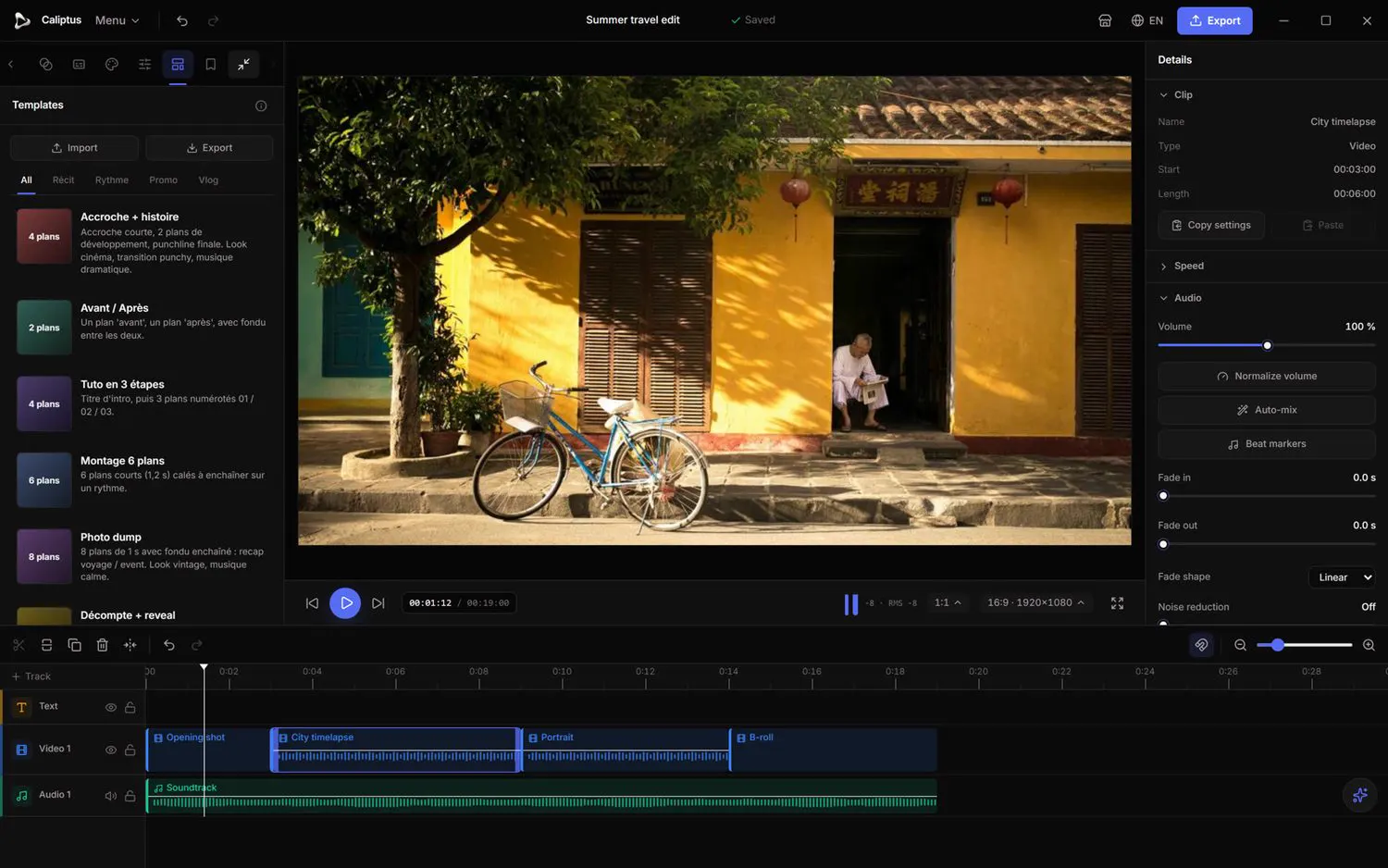 Templates come with placeholders and titles already laid out; drop your videos into them.
See the full Text, titles & templates guide