Waitlist
Skip to content
Caliptus
Product
Features
AI
Marketplace
Changelog
Resources
Guide
Blog
FAQ
Sign in
Waitlist
Sign in
Waitlist
Audio
Generate an AI voiceover
Turn text into narration with a voice generated on your machine.
Download Caliptus
How to do it
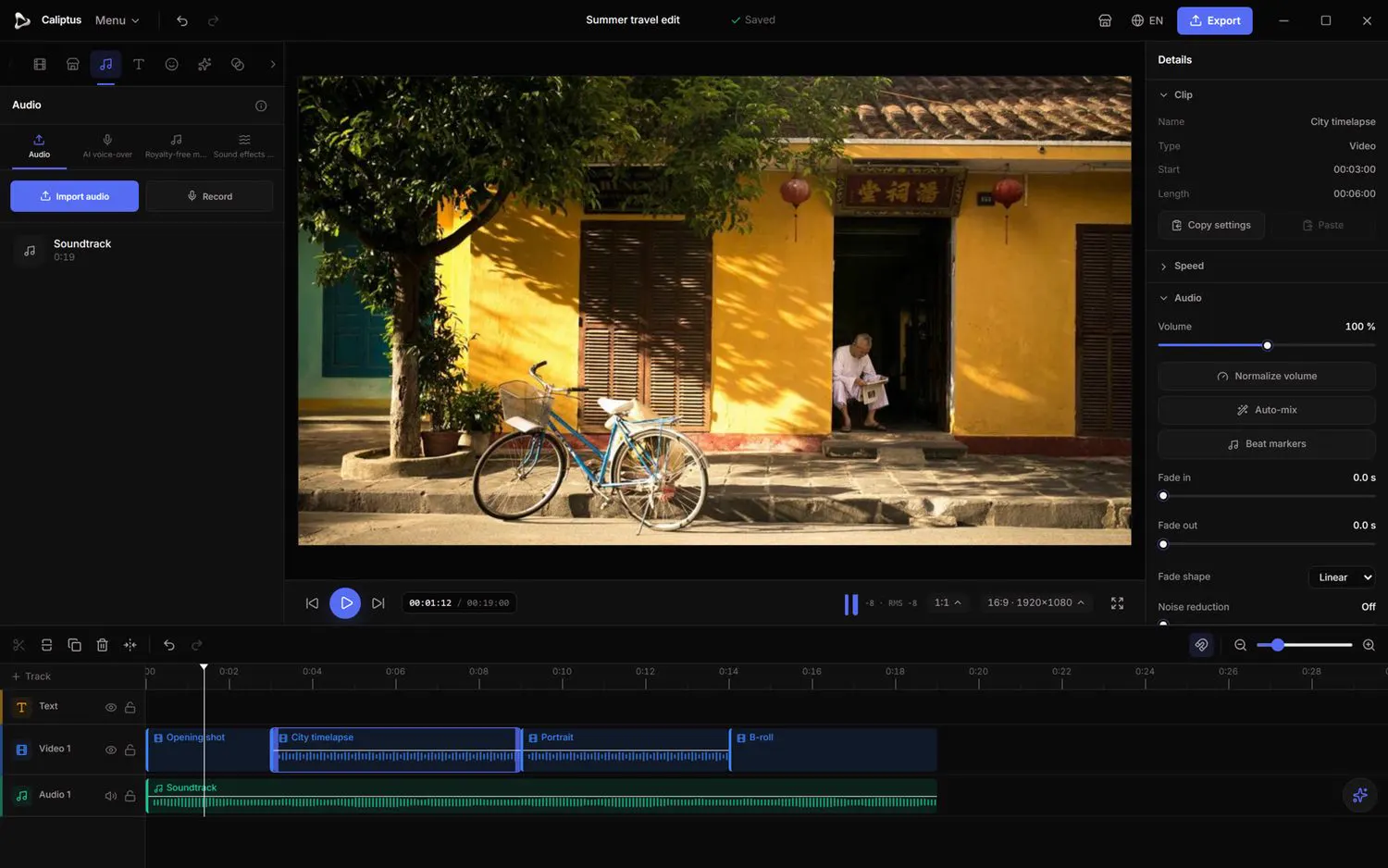
Open AI voiceover in the Audio tab.
Type your text and choose a speed (Slow, Normal, Fast).
Click Generate; the voiceover is added to the timeline.
The Audio tab: royalty-free music, sound effects and imports.
See the full Audio guide
Download Caliptus
 Caliptus