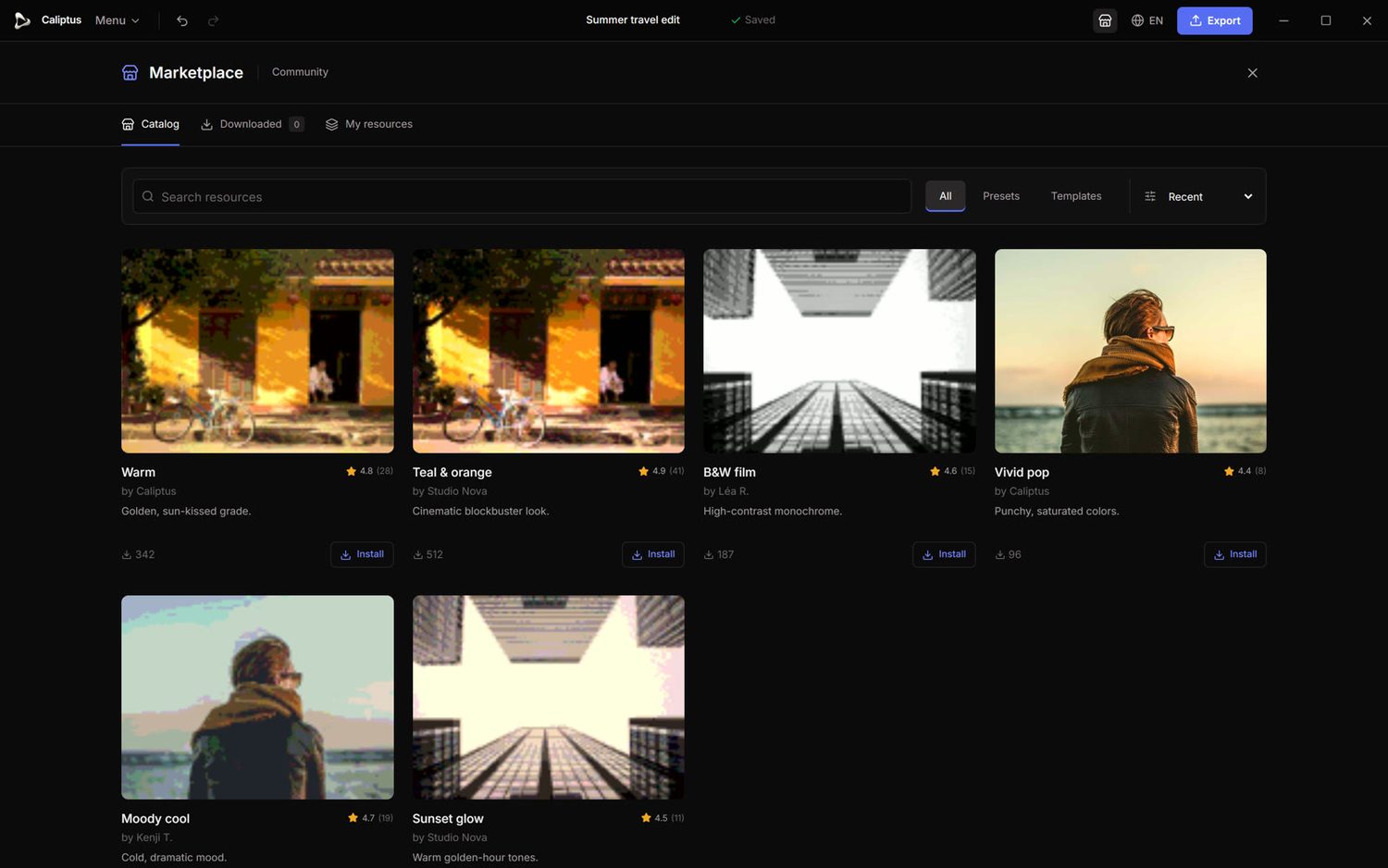
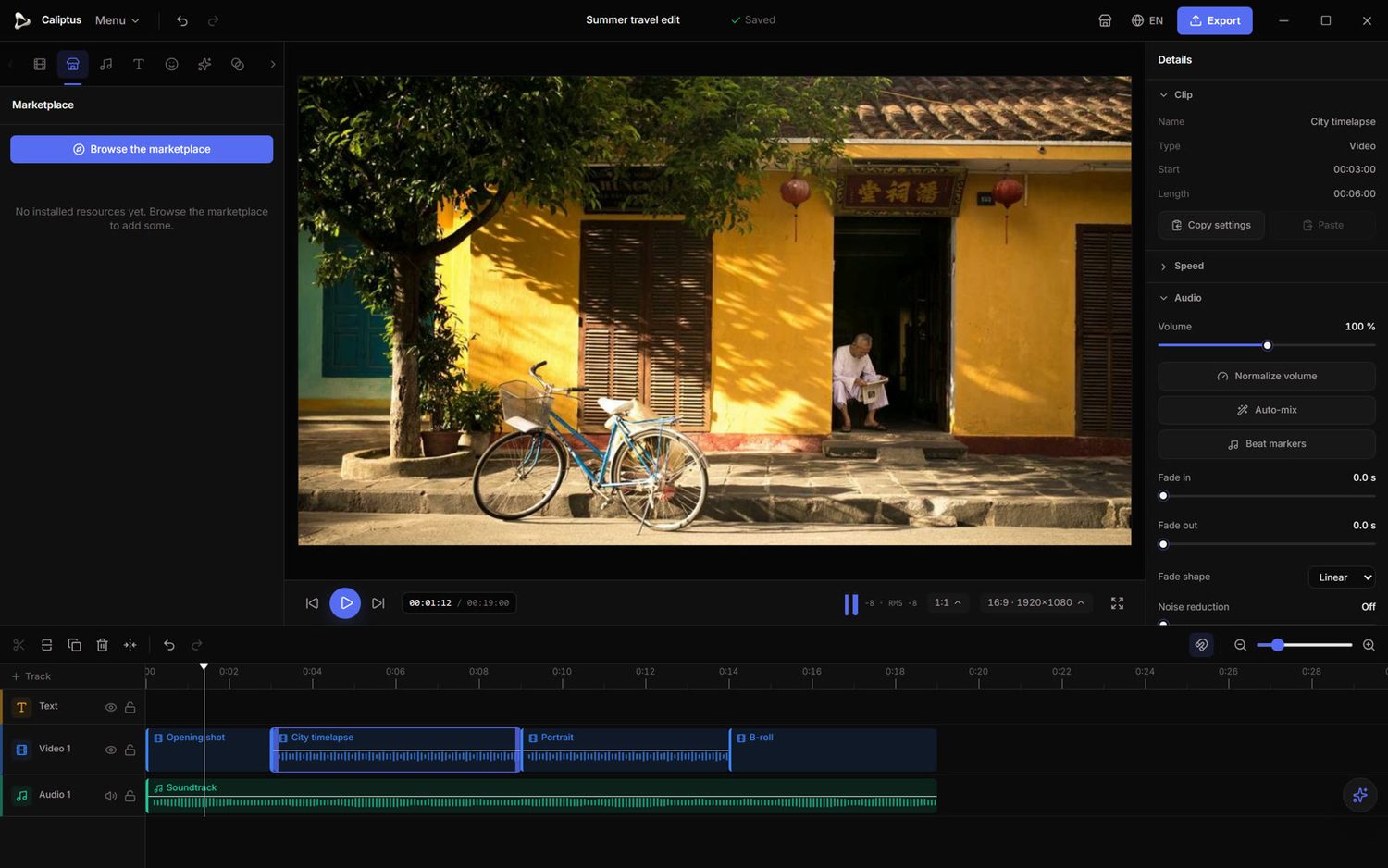
Caliptus 1.0 opens up a free community marketplace: discover, install and share color grades, LUTs and presets, right inside the editor.
- Browse & installA built-in catalogue of community presets and LUTs. Install in one click and apply to any clip with a live preview.
- Publish your ownShare the looks you craft. Verified creators can publish LUTs and presets for everyone, and manage them from “My resources”.
- Ratings, comments & reportsRate resources, leave feedback and flag anything inappropriate. Everything is moderated by the team.
- On the web tooExplore the whole catalogue from any browser at caliptus.net/marketplace.
One account, everywhere. Sign in once and your Caliptus account works across the desktop app and the web, while your footage never leaves your machine.
- One account, app & webCreate an account on the site or in the app; the same login works on both.
- Secure by designYour session token lives in the operating-system keychain and passwords are hashed. Email verification and password reset are built in.
- Keeps working offlineAfter a first sign-in, keep editing offline with a 14-day grace period.
- Privacy firstOnly sign-in and feature settings are exchanged. Your media and all AI processing stay 100% on your machine.
A suite of AI tools that run entirely on your computer, with no cloud and no uploads. Your footage never leaves your machine.
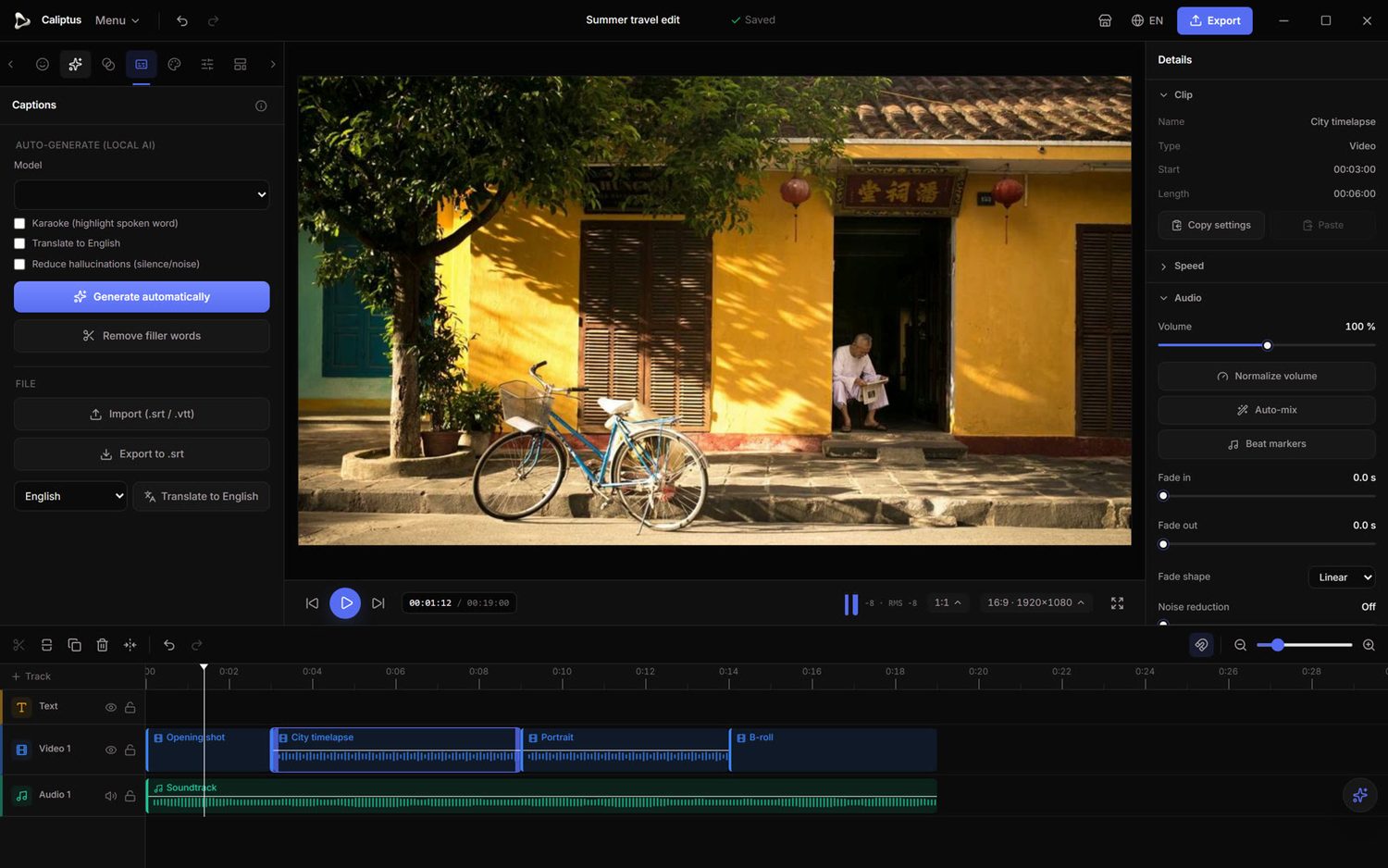
- Auto subtitlesTranscribe speech into styled captions with a local Whisper model, across several languages.
- Auto-shortTurn a long edit into a punchy short automatically, ready to fine-tune.
- Silence & filler cutRemove dead air and filler words in a single pass.
- Reframe, magic mask & smooth slow-moReframe to vertical, isolate your subject, and interpolate buttery-smooth slow motion.
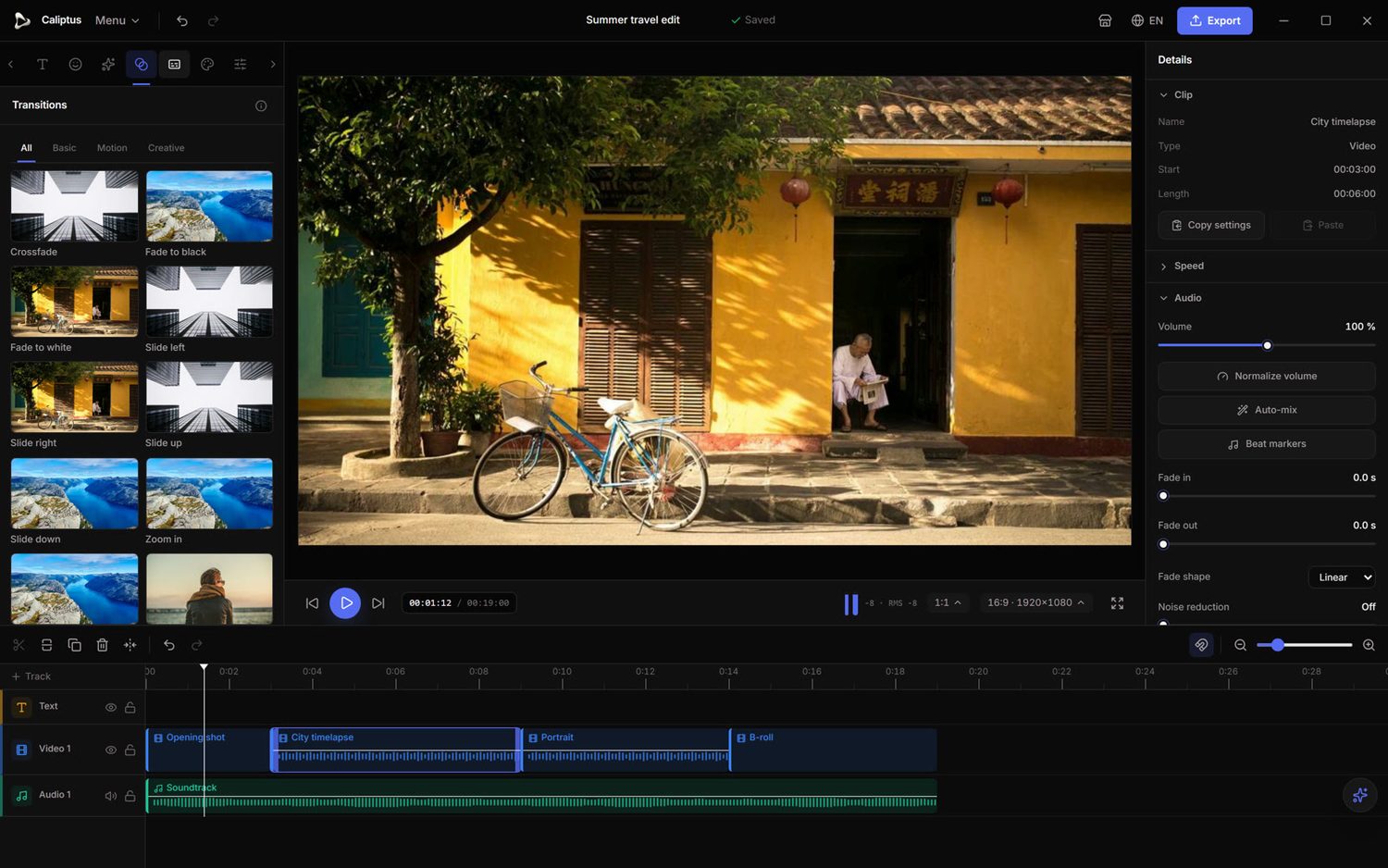
A rich library of effects and transitions to give every cut personality.
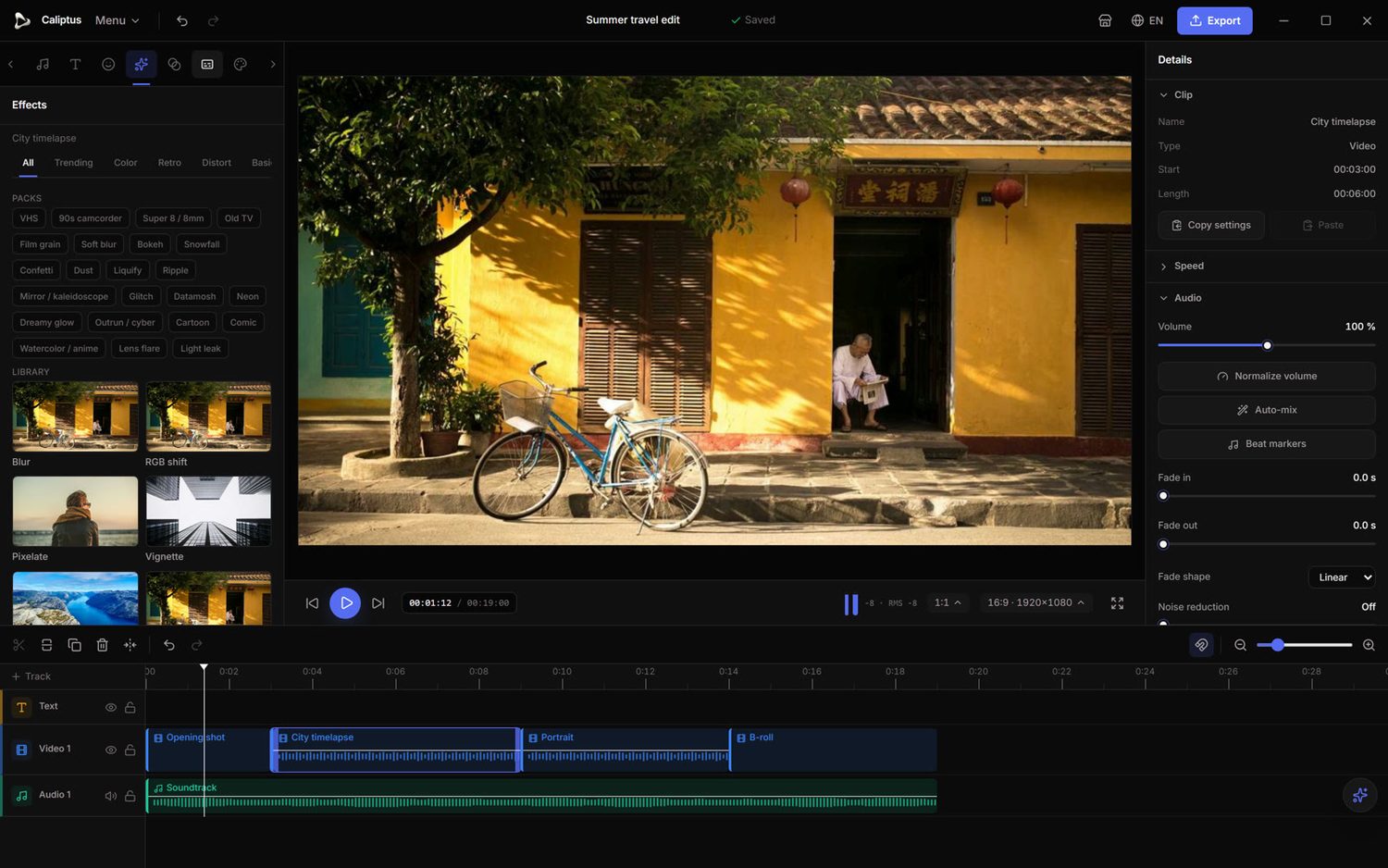
- Effect library & packsVHS, film grain, glitch, bokeh, light leaks and more, grouped into ready-to-use packs.
- TransitionsCrossfades, slides, zooms, whips, wipes and iris, each with a faithful live preview.
- KeyframableDial in intensity and animate it over time.
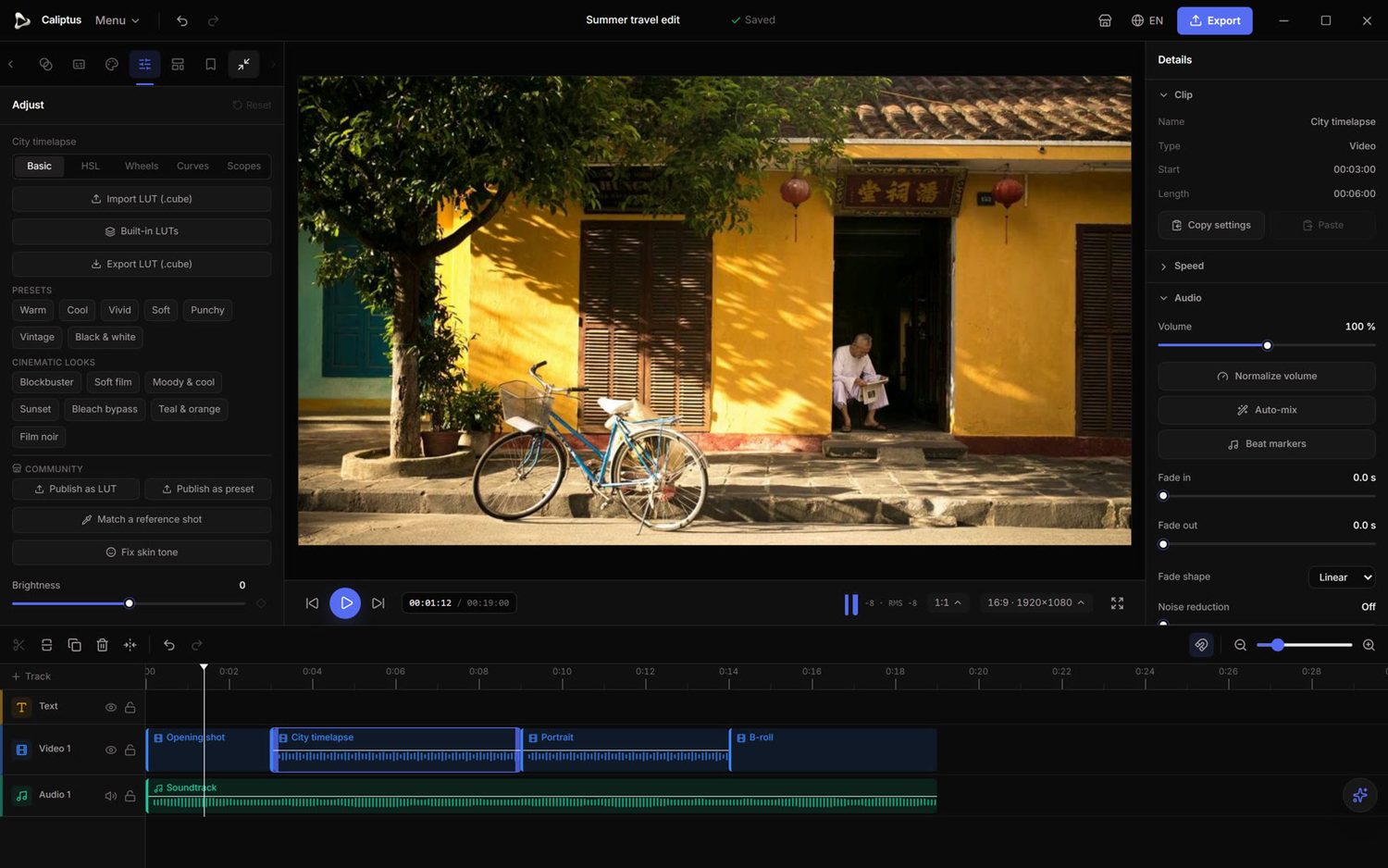
Professional color grading, built in, from quick presets to precise curves and scopes.
- Full gradingBasic sliders, HSL, curves and color wheels (CDL).
- ScopesHistogram, waveform, vectorscope and RGB parade for accurate, confident grading.
- LUTsImport and export .cube LUTs, with built-in Log → Rec.709 conversions and one-click presets and cinematic looks.
- Shot match & skin toneMatch the look of one shot to another, and correct skin tones automatically.
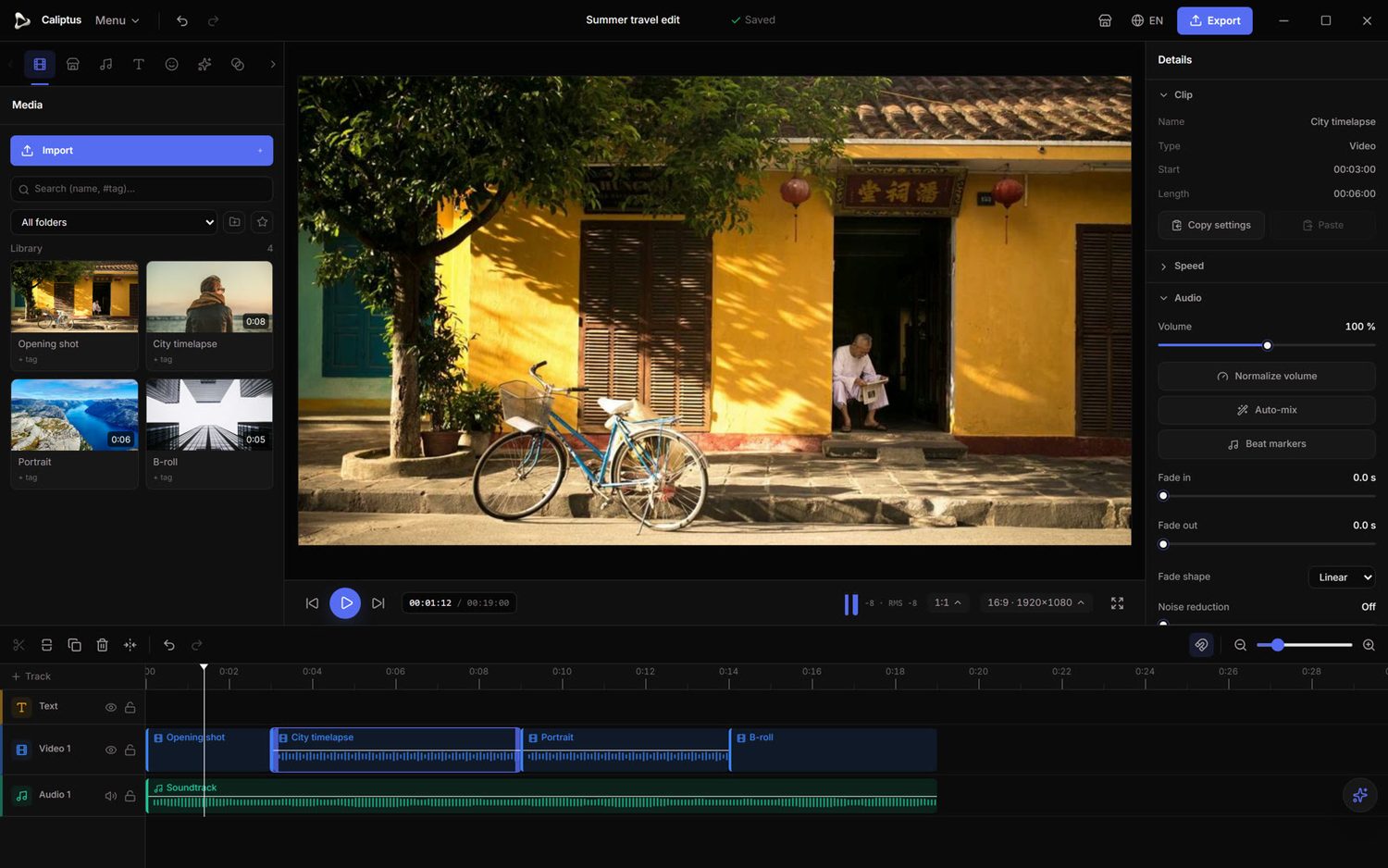
The foundation: a fast, multitrack timeline with everything you need to cut.
- Multitrack timelineVideo, audio and text tracks with snapping, ripple edits and precise trimming.
- Real-time previewScrub and play back your edit instantly.
- Media libraryOrganize your rushes with bins, tags and favorites.
- Never lose workAutomatic project saving and a full undo/redo history.